From zero to running
in 5 minutes.
Here's exactly what happens when you sign up — step by step, with real screens.
Sign up in 2 minutes
Pick your trade, enter your business name, and you're in. No sales call, no onboarding session, no 30-question setup wizard. Fixtor asks what it needs and nothing more.
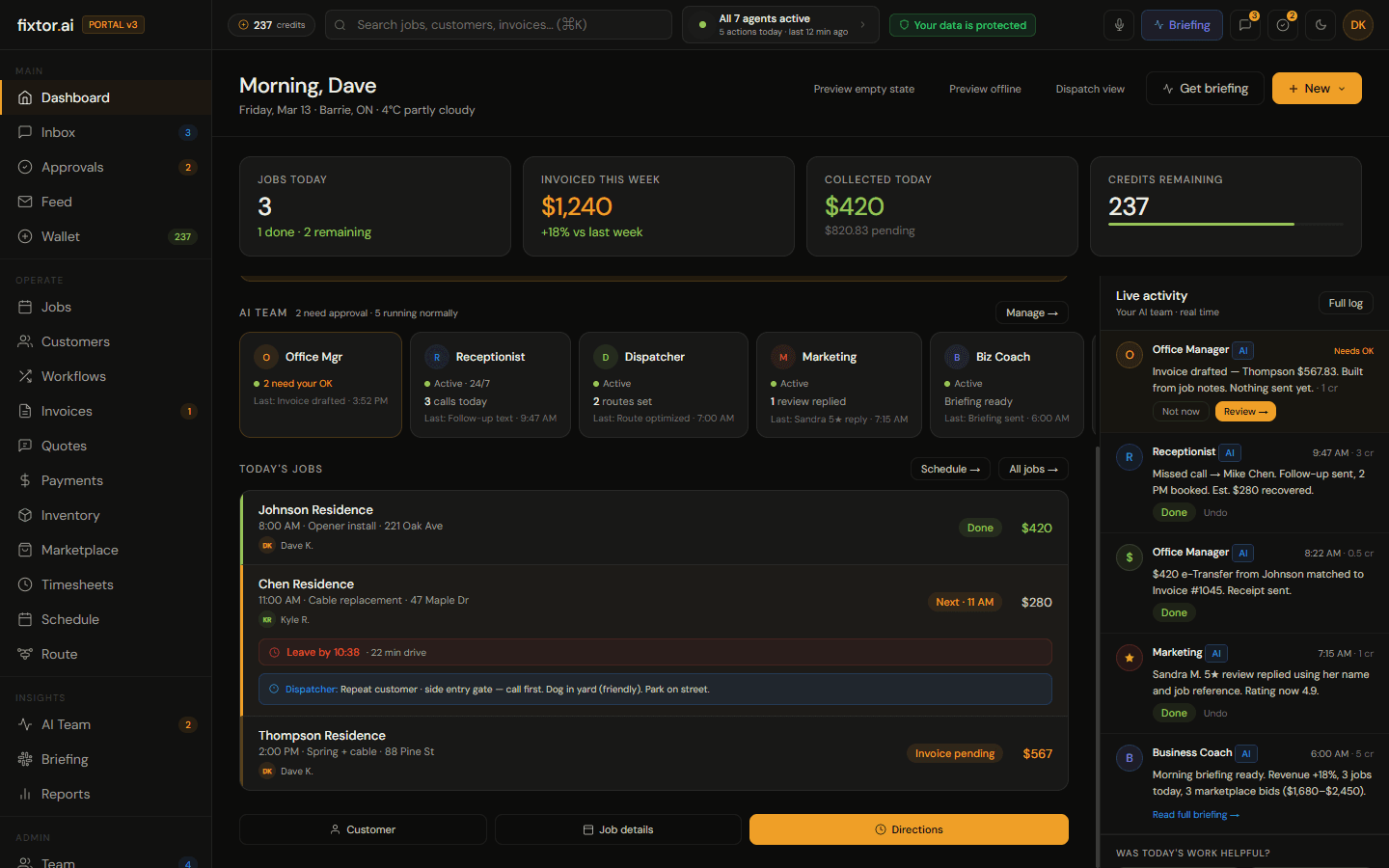
Meet your AI team
Seven agents activate the moment you sign up. You set the rules: what each one can do, how autonomous they are, what requires your approval. You're the boss — they just never take a day off.
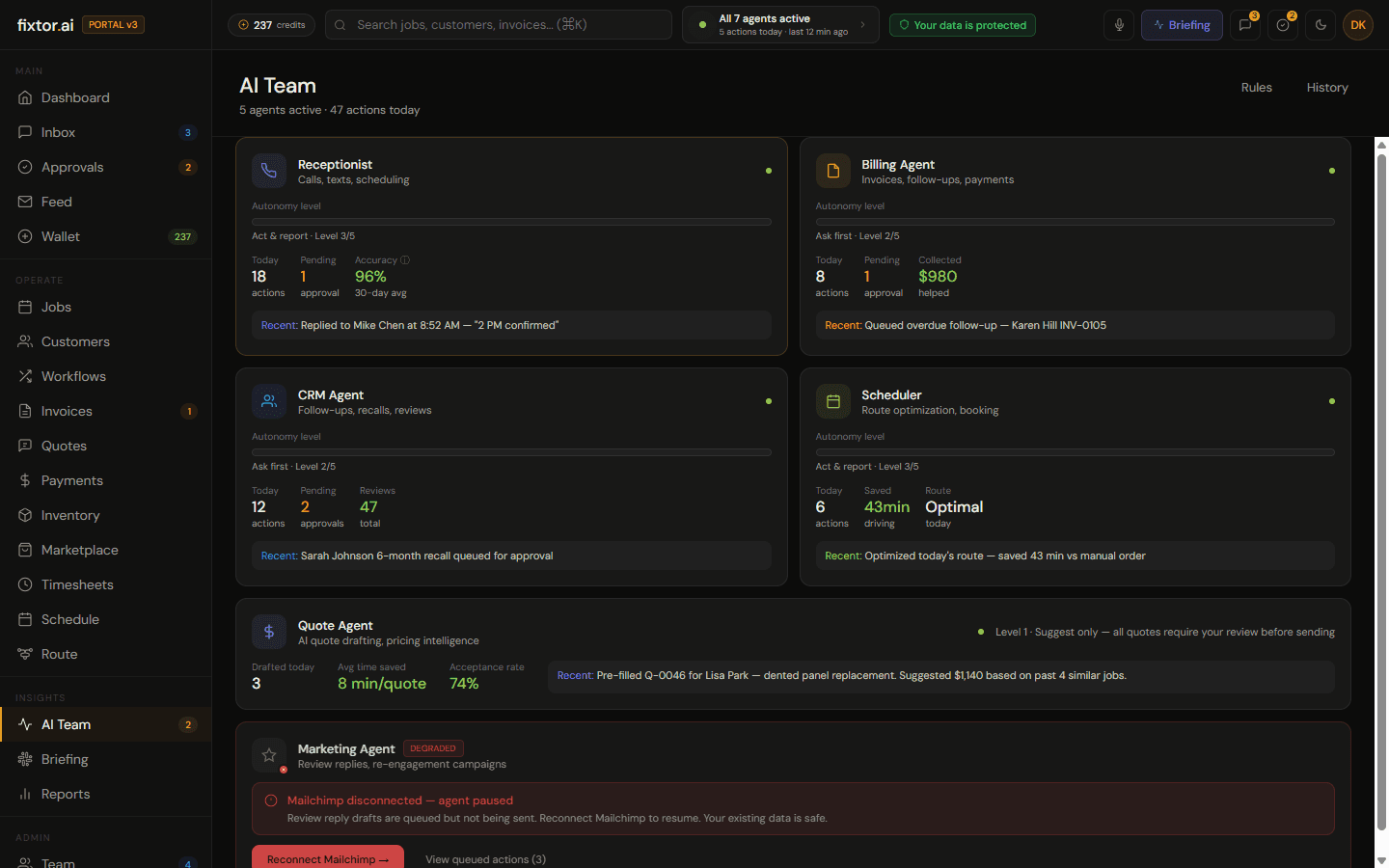
Add your first job
Type it, say it out loud, or let your Receptionist book it from a missed call. Jobs flow in the way work actually comes in — not the way software wants you to enter it.
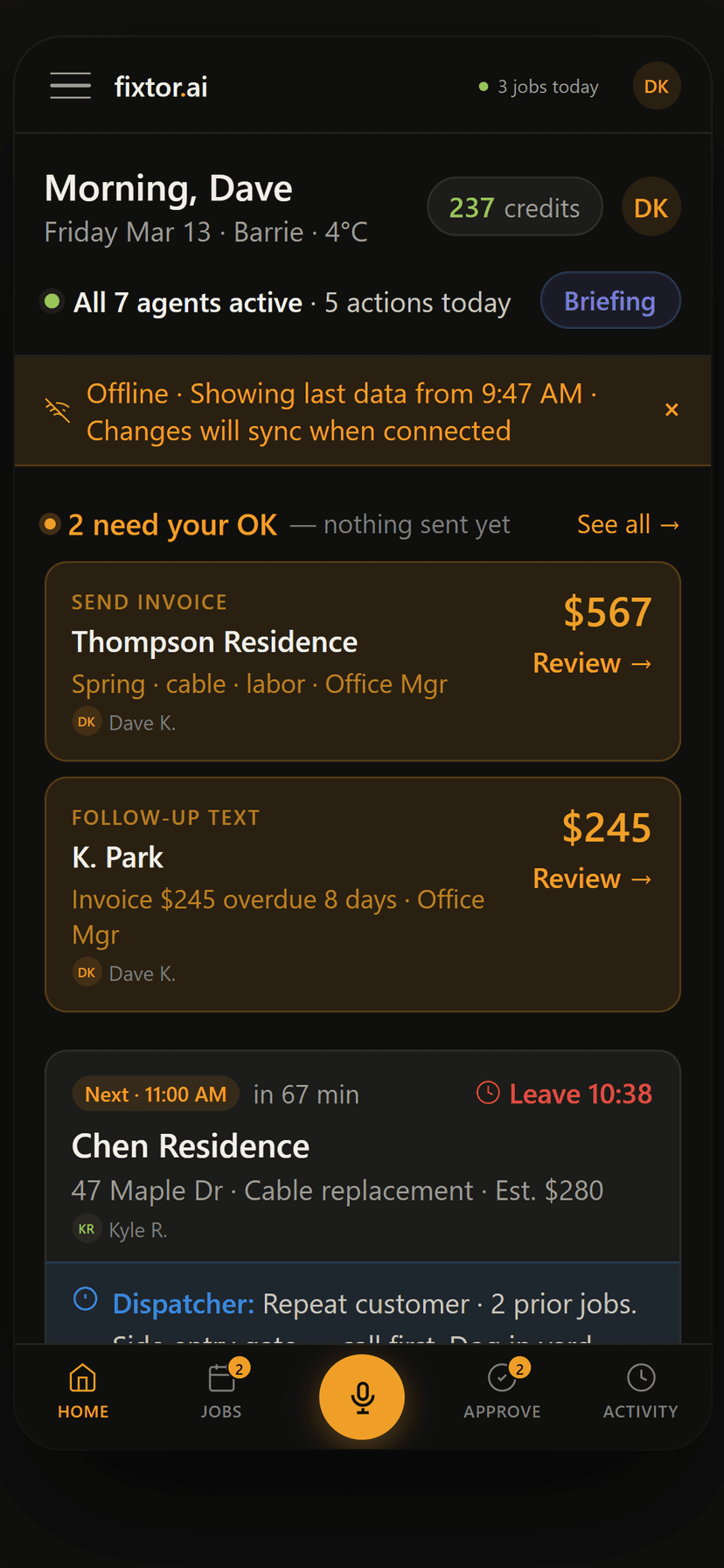
Your AI team gets to work
Route optimized. Invoice drafted from your job notes. Follow-up scheduled. Customer notified. All before you've finished your coffee. Every action shows up in your activity feed — nothing happens in the dark.
You approve — one tap
Nothing goes to your customer without your OK. You see exactly what will be sent: the invoice total, the follow-up text, the quote. Tap to approve or edit. Takes 10 seconds.
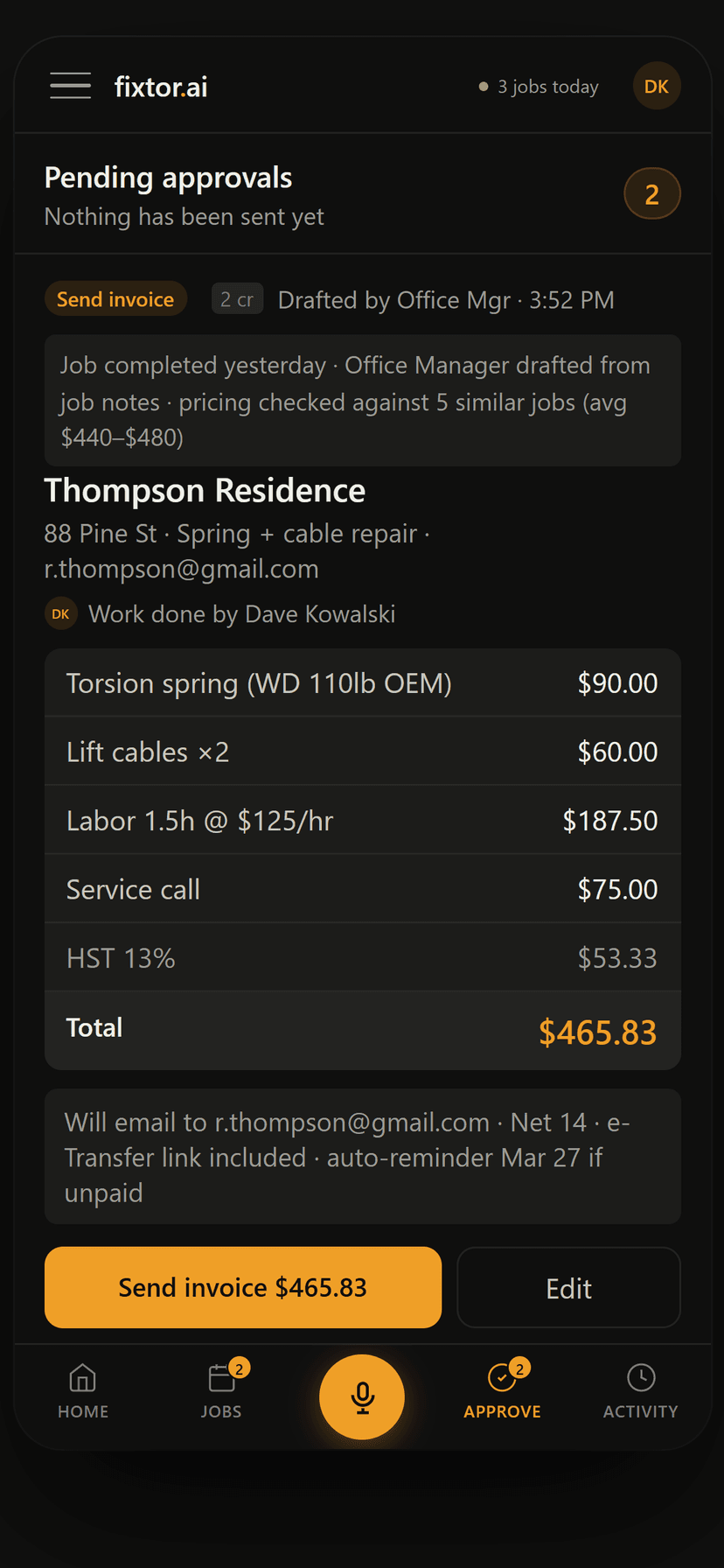
Get paid faster
Invoices go out same day. Auto follow-ups hit overdue payments at 3, 7, and 14 days — without you thinking about it. You stop waiting.
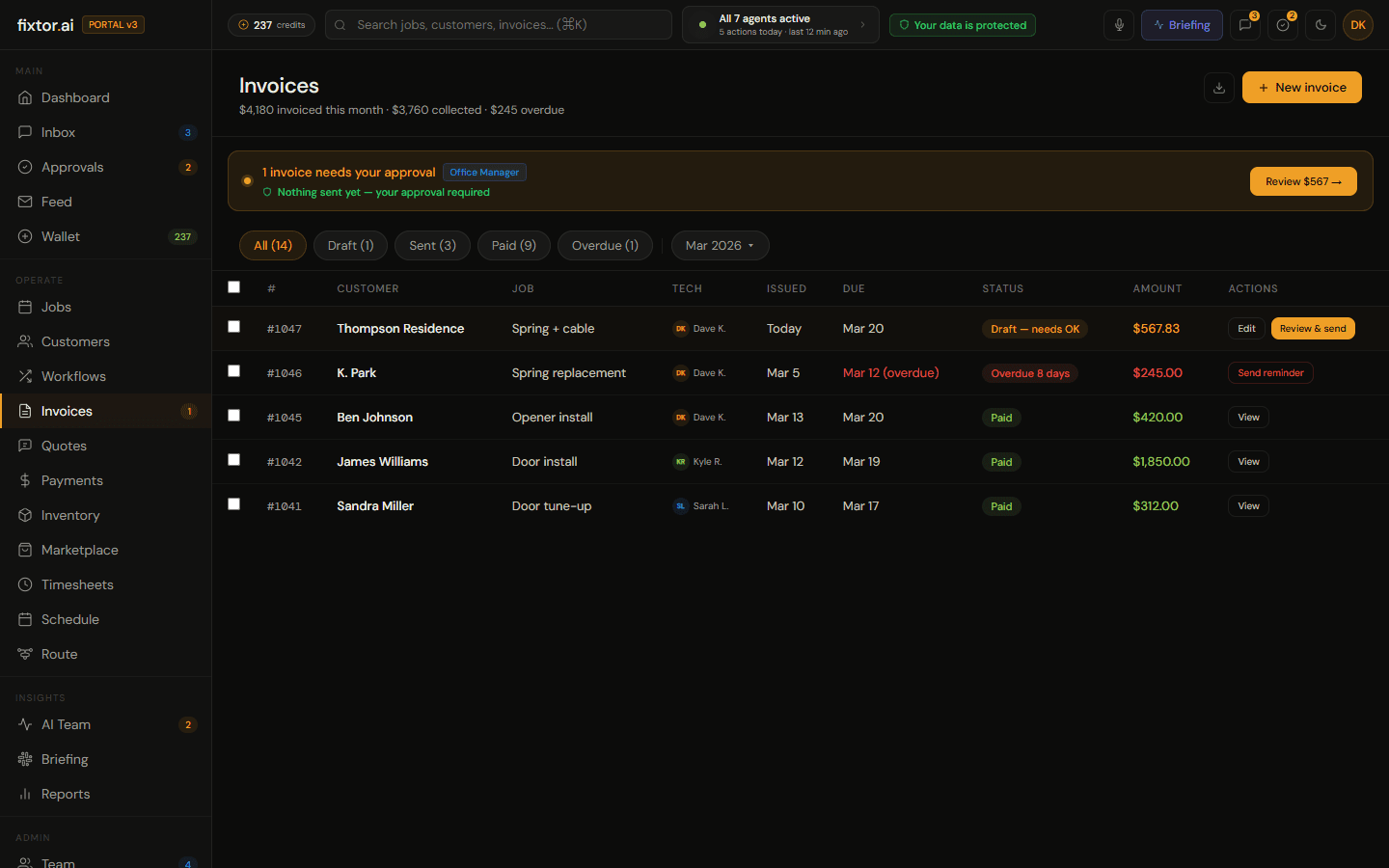
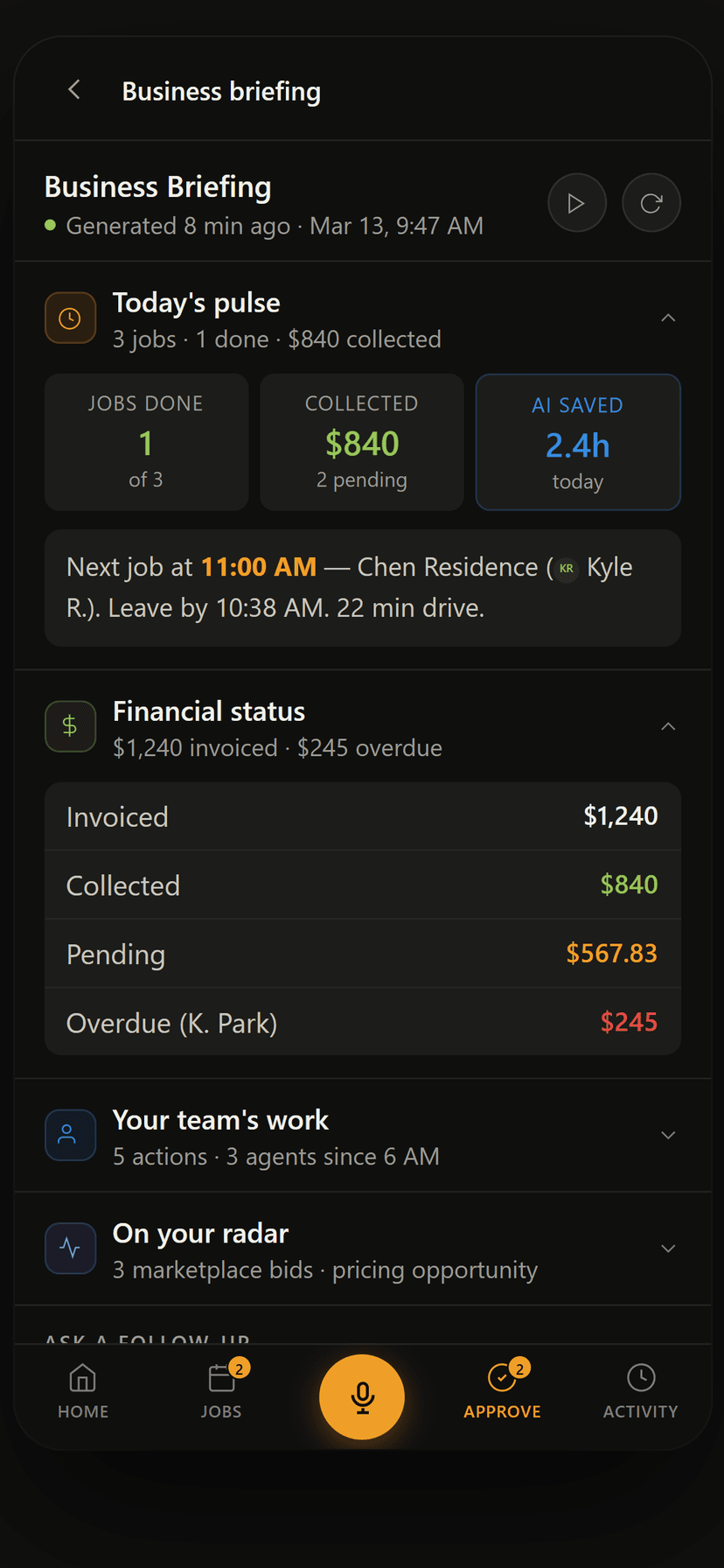
Morning briefing
Every morning, your Business Coach sends a briefing: yesterday's revenue, today's schedule, overdue invoices, anything that needs your attention. Start every day knowing exactly where you stand.